
 By Henry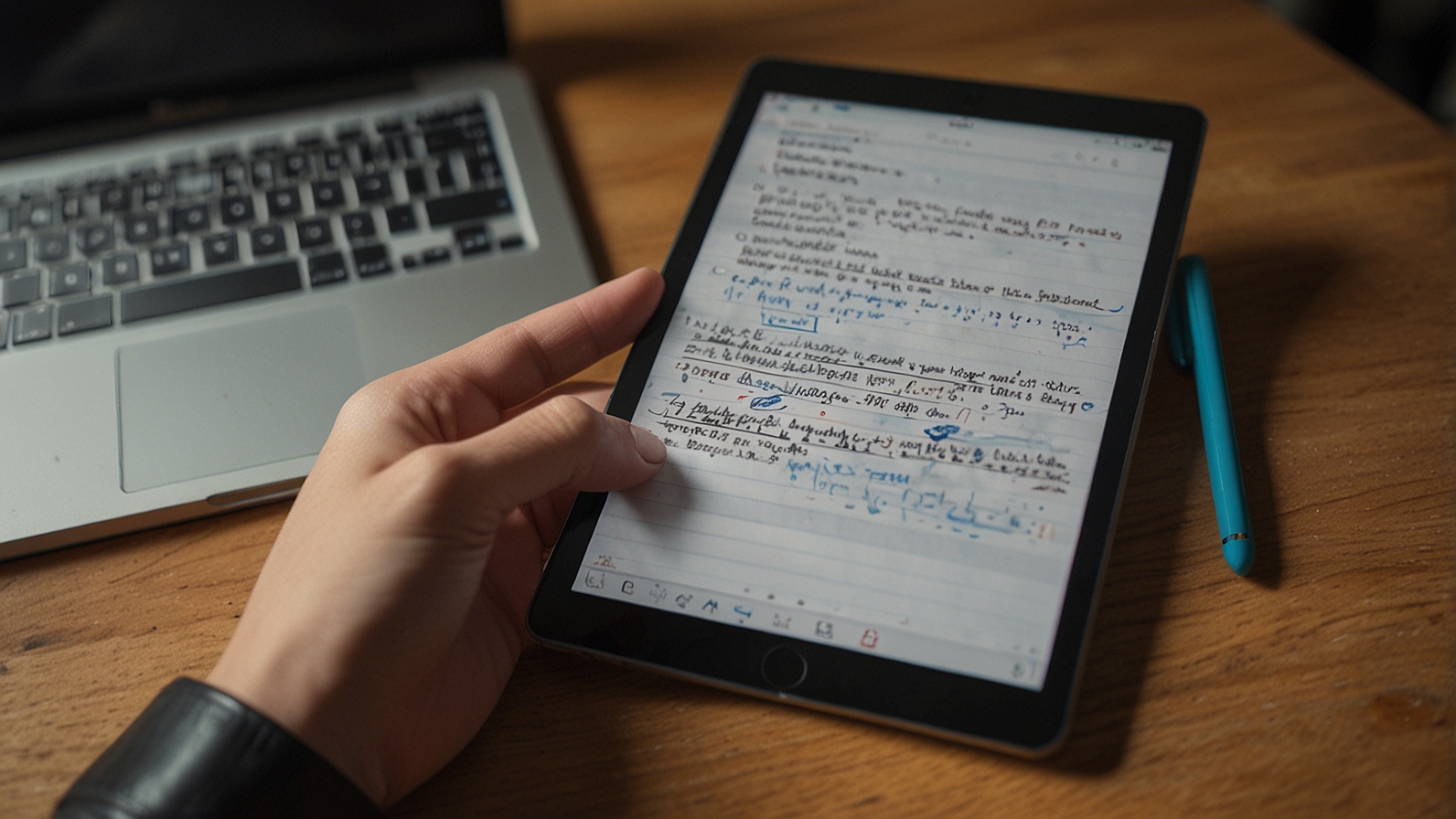
Key Points
- Axelanote (also known as AxelaNote) is a Windows-based PDF annotation software that uses a patented transparent overlay technology to allow writing, highlighting, and editing on restricted or protected PDFs without modifying the original file.
- It supports natural handwriting with stylus pens, text insertion, stamps, and page management tools, making it practical for paperless workflows, telework, and document proofreading in professional settings.
- Pricing is affordable for individuals and small teams, with annual licenses starting around 4,290 yen (approximately $30 USD), plus a 14-day free trial; corporate licensing is available through authorized dealers.
- While not a cloud-based SaaS with built-in real-time collaboration, it supports asynchronous team document review by saving annotations separately or merging them, enabling secure sharing of feedback without risking original document integrity.
- The tool shines for corporate professionals, project managers, and remote teams dealing with high volumes of protected PDFs, such as contracts, drawings, or reports, though it lacks native real-time editing features found in some modern SaaS platforms.
What is Axelanote? Axelanote is a desktop application designed to simplify PDF annotation, especially for documents that prohibit direct edits or printing. It works by overlaying a transparent layer on top of a PDF viewer (like Acrobat Reader), letting users add notes freely while keeping the source file untouched.
Key Features
- Transparent overlay for unrestricted annotation on protected PDFs
- Handwriting support with stylus for natural digital ink feel
- Tools for text, stamps, highlights, and shape editing
- Separate saving of annotations or merging into new PDFs
- Page management via linked tools like AxelaMerge and AxelaDiff
Pricing and Accessibility: Individual annual user license: ~4,290 yen ($30 USD); device licenses available for shared use. Monthly options exist, and corporate pricing varies. A free 14-day trial lets you test it fully.
Best For: Professionals in telework, construction, manufacturing, or education who need reliable PDF markup without altering originals. For remote teams, it streamlines review cycles through shared annotated files rather than live simultaneous editing.
Imagine you’re a project manager staring at a critical engineering drawing or contract PDF that your client has locked down—no comments, no highlights, no printing allowed. Email threads fill up with screenshots, version confusion sets in, and deadlines slip. This scenario plays out daily in corporate offices, remote teams, and educational settings where protected documents are the norm. Axelanote addresses exactly this pain point with a clever yet simple approach: it lets you write on any PDF as if it were paper, without ever touching the original file.
Axelanote, developed by TransRecog, is a Windows-only desktop tool that promotes paperless workflows and telework efficiency. Its core innovation is a transparent “sheet” overlay that floats above the PDF in your viewer. You annotate freely with mouse, keyboard, or stylus, and the original remains pristine. This bypasses common restrictions found in legal, technical, or official documents, reducing the need for printing, scanning, or risky third-party conversions.
Install the software and open your PDF in a compatible viewer like Acrobat Reader DC. Axelanote activates a semi-transparent layer where all your marks live. Handwrite notes with a tablet pen for a natural feel, type text, add date stamps, draw shapes, or highlight sections. Annotations stay linked to the page coordinates, so zooming or scrolling keeps everything aligned—no display glitches.
When finished, save the annotation layer separately (as a small file) or merge it into a new PDF copy. This separation preserves document integrity, which is crucial for audits, compliance, or version control. For teams, share the original PDF plus the annotation file; recipients with Axelanote can load both to see the exact markup. While this is asynchronous rather than real-time, it eliminates clutter from email attachments or screenshot chains and supports secure review cycles.
Axelanote packs practical tools tailored to high-volume PDF handling:
- Digital Ink and Handwriting: Feels like pen on paper; supports pressure sensitivity with compatible styluses.
- Annotation Types: Text boxes, freehand drawing, highlights, underlines, stamps (e.g., approved, reviewed), and predefined phrases for repetitive comments.
- Batch and Productivity Tools: Move groups of shapes, extract outlines from images, auto-number items, and output annotation summaries to CSV for reports.
- Page Management (via AxelaMerge): Insert, delete, rotate, or replace pages without external editors.
- Comparison (via AxelaDiff): Spot differences between two PDFs visually.
These features make it valuable for project managers reviewing blueprints, educators marking student submissions, or teams proofreading contracts.
| License Type | Duration | Price (tax excluded) | Best For | Notes |
|---|---|---|---|---|
| User License | Annual | 4,680 yen (~$31 USD) | Individual or named users | Up to 3 PCs per user |
| Device License | Annual | 6,480 yen (~$43 USD) | Shared workstations or teams | One device, multiple users |
| Monthly Plan | Monthly | Short-term or testing | Available directly from developer |
Corporate purchases through dealers like TEKWIND include support services. Prices are Japan-focused but accessible internationally in some cases. A 14-day free trial requires no credit card and lets you evaluate full functionality.
Axelanote runs on Windows 10 or 11 (64-bit recommended). Minimum specs include an Intel ATOM x7-Z8700 CPU, 4GB RAM, and .NET Framework 4.5+. For smooth handwriting, pair it with a stylus-enabled tablet or touchscreen. Installation needs admin rights, and license verification uses an internet connection (offline mode available on request). It works best at 1280×1024 resolution or higher.
Use Cases in Real Workflows
- Project Managers: Annotate technical drawings or RFPs without printing stacks of paper.
- Remote Teams: Share marked-up contracts asynchronously; reviewers load the same overlay for consistent feedback.
- Digital Educators: Highlight lecture slides or grade assignments digitally while preserving originals.
- Compliance-Heavy Industries: Maintain audit trails since originals stay unchanged.
Axelanote is not a full SaaS platform—no cloud sync, no simultaneous real-time editing, and no mobile app. It’s desktop-only and primarily marketed in Japan, with usage restrictions like max 2000 pages or objects per page. For teams needing live collaboration, it pairs well with file-sharing services (e.g., Dropbox, OneDrive) to distribute annotated files.
Getting Started
- Download from the official TransRecog site or authorized dealer.
- Install and activate the 14-day trial.
- Open your PDF viewer, load a protected document, and start writing on the overlay.
- Save/export annotations and share with colleagues.
Axelanote offers a focused, reliable solution for PDF-heavy workflows where document security matters more than flashy real-time bells. It bridges traditional paper habits with digital efficiency without the risks of altering originals.
You May Also Like: What is Classroom 30x? A Deep Dive into Immersive Learning
Q: Is Axelanote cloud-based or SaaS?
A: No, it’s a local Windows desktop application. Annotations can be shared via file exchange for team use.
Q: Can multiple people annotate the same PDF at once?
A: Not in real time; use shared files for asynchronous collaboration.
Q: What file types does it support?
A: Primarily PDFs, with limits on size (up to 1m² per page) and page count (up to ~2000 A4 pages).
Q: Does it work on protected PDFs?
A: Yes—that’s its main strength; the overlay ignores annotation/printing bans.
Q: Is there a mobile or Mac version?
A: Currently Windows-only; no official mobile or macOS support.